
Pre-Launch Campaigns
This use case guide covers how to set up measurement for pre-launch game campaigns using Gamesight. Pre-launch campaigns present a unique measurement challenge: your end conversion goal won't happen until your game goes live (whether Early Access, Alpha, Beta, etc.) across your target platforms, which may be weeks or more away. This guide walks through how to measure what's available now and connect it back to launch performance later.
Higher-Funnel Measurement via Web SDK
Implemented by: Web Developer
If you're driving traffic to a landing page during pre-launch (an announcement page, a sign-up page, a "coming soon" page), the Gamesight Web SDK lets you measure higher-funnel interactions that happen before your game is available. Common events to track at this stage include:
- Newsletter signups
- Account creations
- Clicks out to your Steam store page or other storefronts
- Trailer views or other engagement events
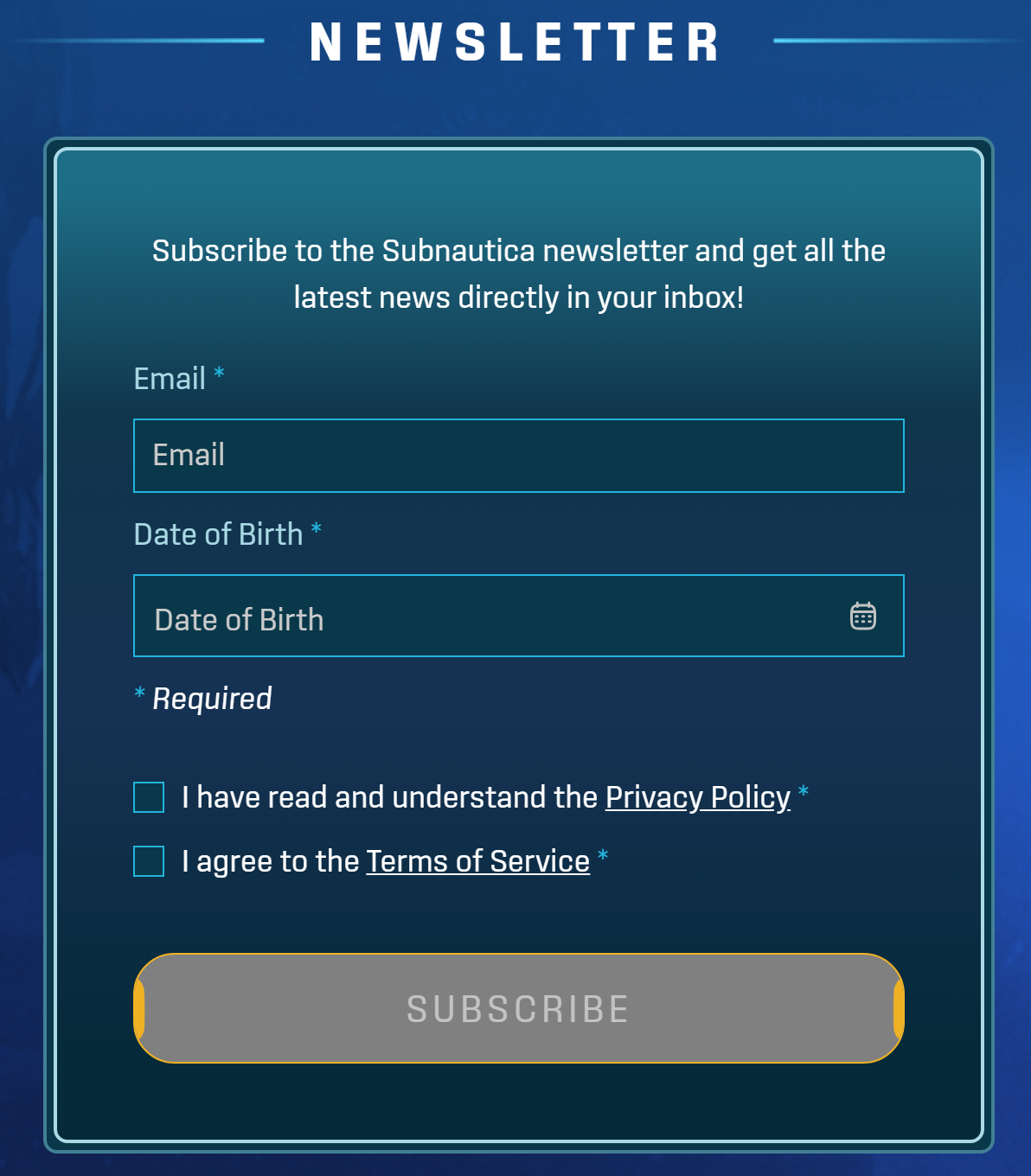
These conversions are attached to the same Tracker that brought the user to your page, so they roll up into your campaign reporting alongside downstream events.
Web Measurement SDKFor implementation details, see the Web Measurement SDK Quick Start guide.
Intent-to-Wishlist Measurement
Implemented by: Web Developer / Marketer
Intent-to-wishlist is a useful pre-launch signal that uses Web SDK events on your landing page to measure when a user clicks your "Wishlist on Steam" button (or any other platform/storefront you include a click-out for).
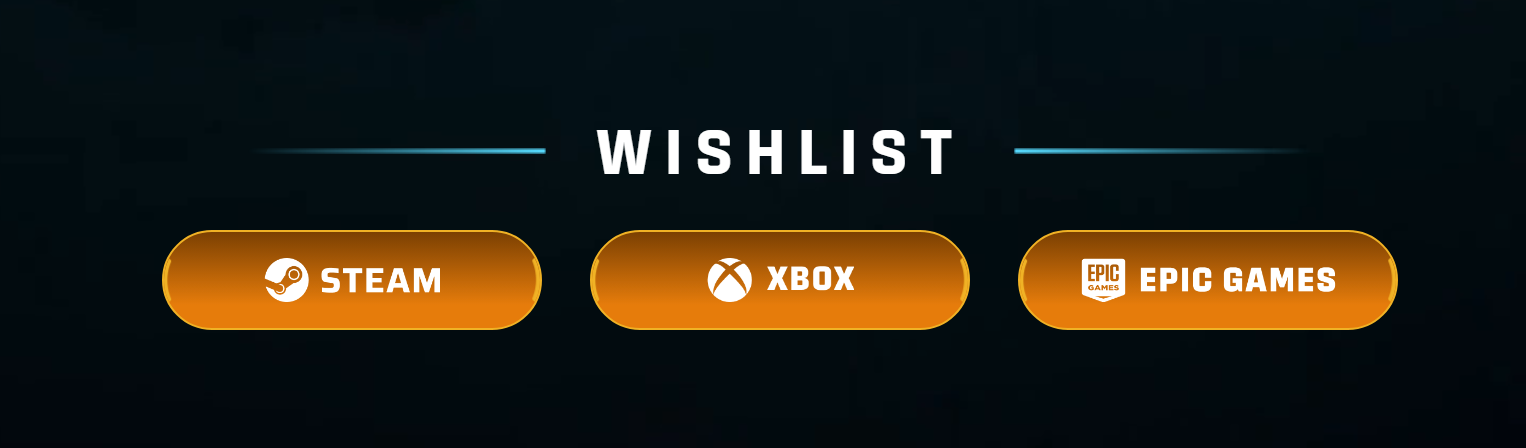
This event is available near real-time and doesn't depend on Steam's UTM pipeline. Because it's available quickly, it can serve as a leading optimization signal before Steam UTM Analytics data has had time to sync into your reporting, which is particularly useful early in a campaign when you're still evaluating which creatives or channels to scale.
Steam UTM Analytics Integration
Implemented by: Marketer
Gamesight's Steam UTM Analytics integration pulls data from Steam's UTM report and surfaces it alongside your other campaign reporting in Gamesight. Available metrics include Steam Total Visits, Steam Tracked Visits, Steam Wishlists, Steam Purchases, and Steam Activations.
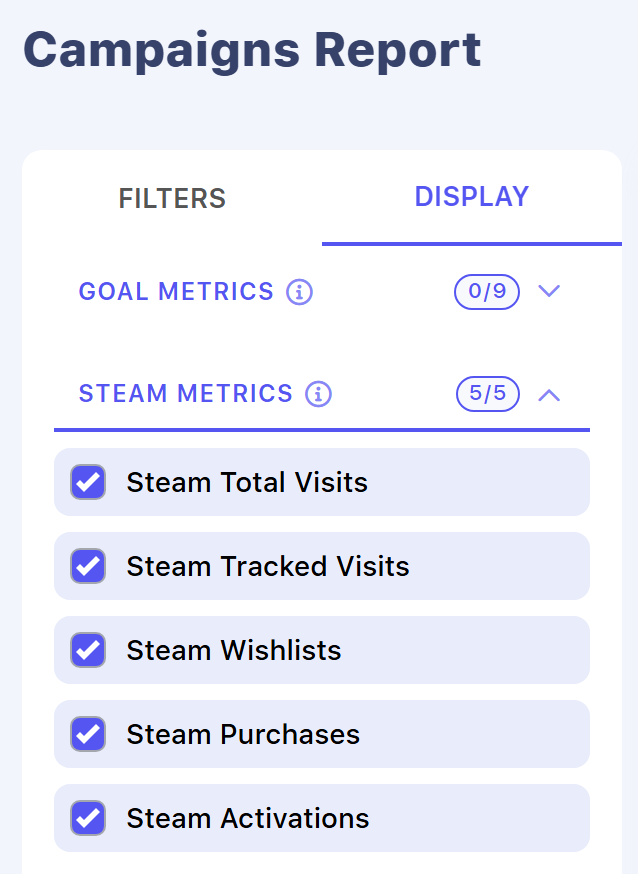
Steam's Attribution LimitationsDue to how Steam handles attribution, only a small minority of traffic (typically less than 10%) can be attributed through Steam's UTM Analytics alone. Steam UTM data is also not real-time, so expect some latency before events appear in reporting. See Steam's documentation for more detail.
Early Access Games
Implemented by: BI Team / Backend Engineer / Game Developer
If your game has an Early Access phase, including Alphas, Betas, or server tests, Gamesight can measure attribution the same way it does for a fully launched game. As long as Gamesight is receiving events from your game's back-end or via the Web SDK, conversions can be attributed back to your campaigns, giving you real performance data you can act on before your game fully launches.
Players attributed during Early Access are also eligible for reactivation measurement in later phases. If a player churns after an Alpha or Beta and later returns, whether during a subsequent testing phase or at full launch, Gamesight can attribute that reactivation back to their original Early Access campaign. You can read more in the Reactivation Measurement guide.
Game Event MeasurementFor more details on how to set up game event measurement, see our Measurement API Quick Start guide.
Attribution Windows
Implemented by: Marketer
Pre-launch campaigns often run well in advance of a game's release date, so attribution windows are worth considering carefully before launching campaigns. For help with specific use cases or attribution window configuration, reach out to our team through live chat or at [email protected].
Custom Attribution WindowsIndustry-standard attribution windows are 7-14 days for click-through and 1 day for view-through attribution. Gamesight recommends that you re-adjust any extended click and impression attribution windows back to this standard once your game has officially launched.
For more information, or help planning your Gamesight integration, contact us through live chat or email us at [email protected]
Updated about 1 month ago