
Creator CRM
This is a complete guide on the Creator CRM which will outline specific creator stats, the ability to add custom notes to creator profiles, and much more.
Creator CRM
Any time you are able to view individual creators within a list in Gamesight Console, you are able to click on the creator to dig deeper into their profile. In the example shown below, we clicked on "xQcOW" within our Demo List as shown below.
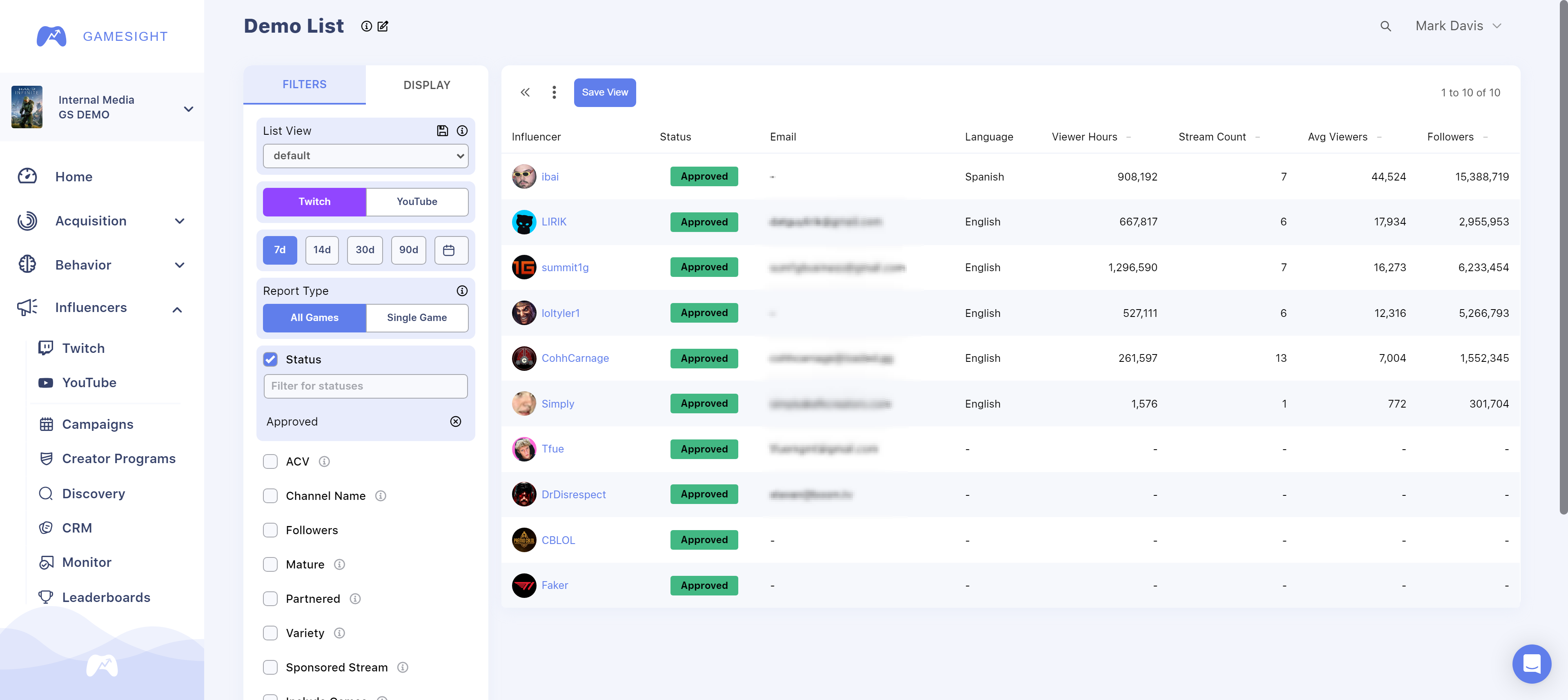
After clicking directly on an creator, you will be redirected to the CRM page for that specific creator as shown below.
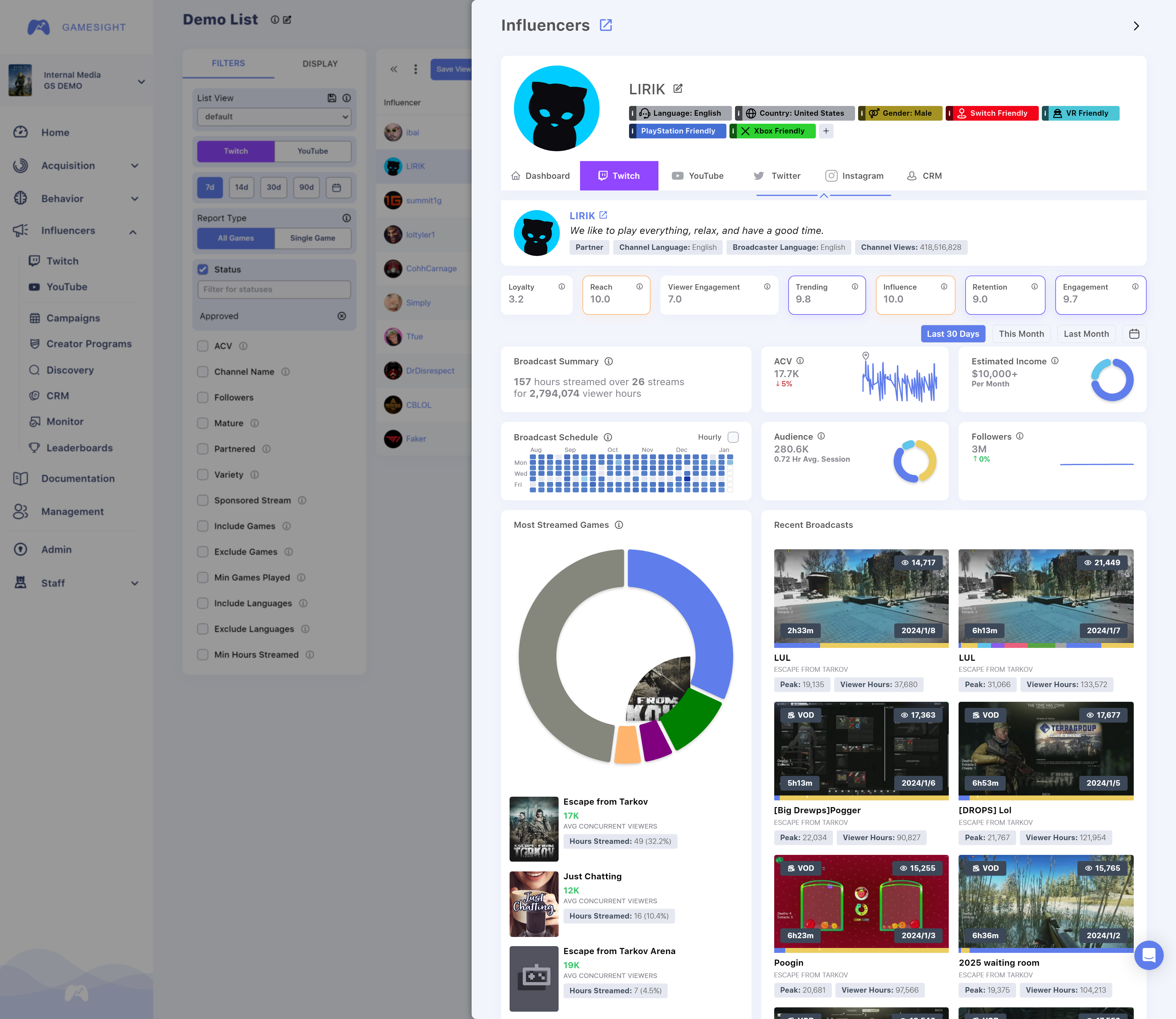
The profile for each creator will display their Twitch or YouTube channel description, tags with corresponding scores, their typical broadcast schedule, most streamed games, follower count, ACV, and recent broadcasts. You can hover your mouse over each score for more details about how the score is calculated.
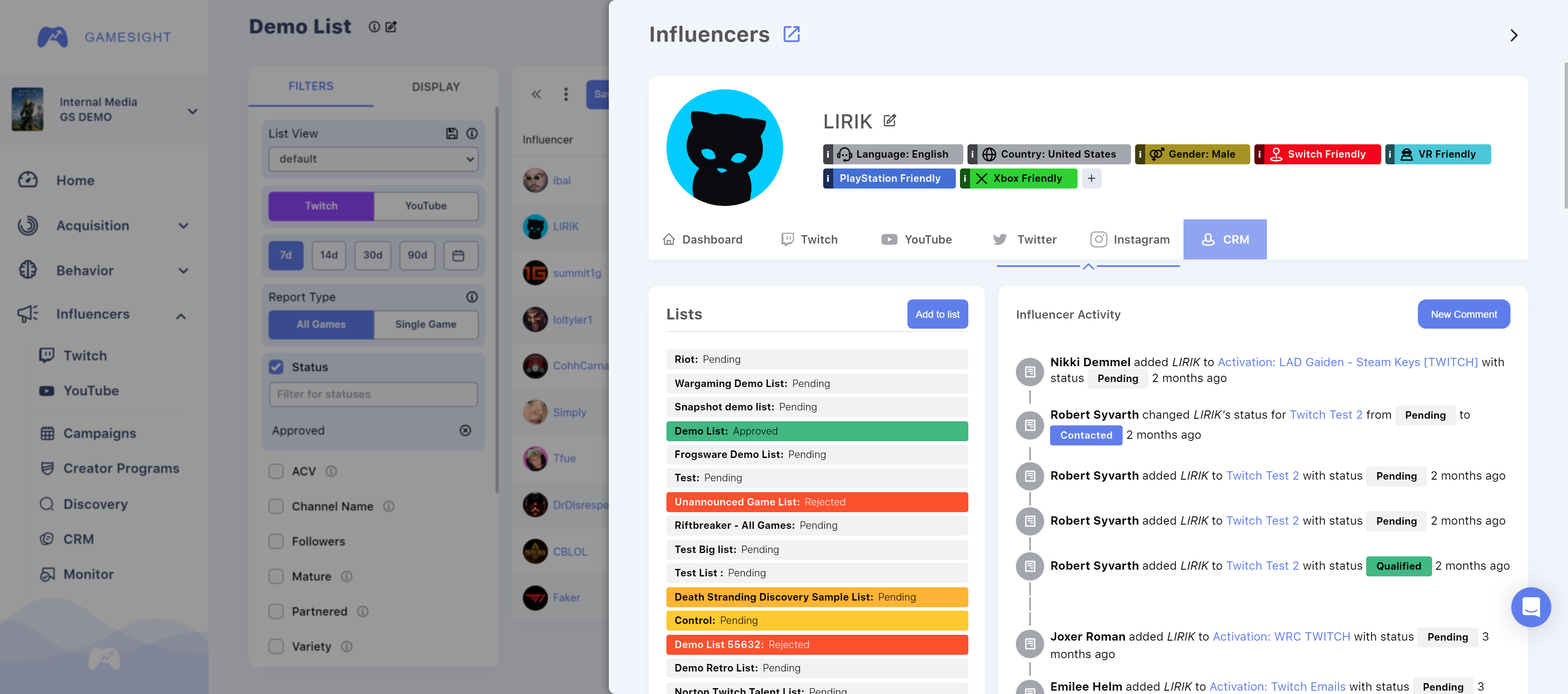
You can also click the 'CRM' tab in the view above to access which of your lists the creator is present on and the corresponding status assigned to them within each specific list. If you have managing ability over one of the lists shown, you can quickly click that list to modify their status on the fly! The Creator Activity view shows actions taken by your team members and you can also view and add comments of your own to share with your team.
Updated 9 months ago