
Discord
This guide helps you connect Gamesight with Discord to measure quests and postback conversion data.
Attribution Features
Tracking your Discord quests with Gamesight will enable you to:
- See Discord campaign performance alongside your other marketing channels in Gamesight
- Track which Discord ads are driving actual game installs (not just clicks and impressions), as well as any post-install goals
- Send conversion data back to Discord for optimization
Integration Steps
1. Create Your Discord Tracker
To create your Discord tracker:
-
Click Trackers (under Measurement) on the left-hand side of Gamesight Console.
-
Click the "Create" button at the top of the page.
-
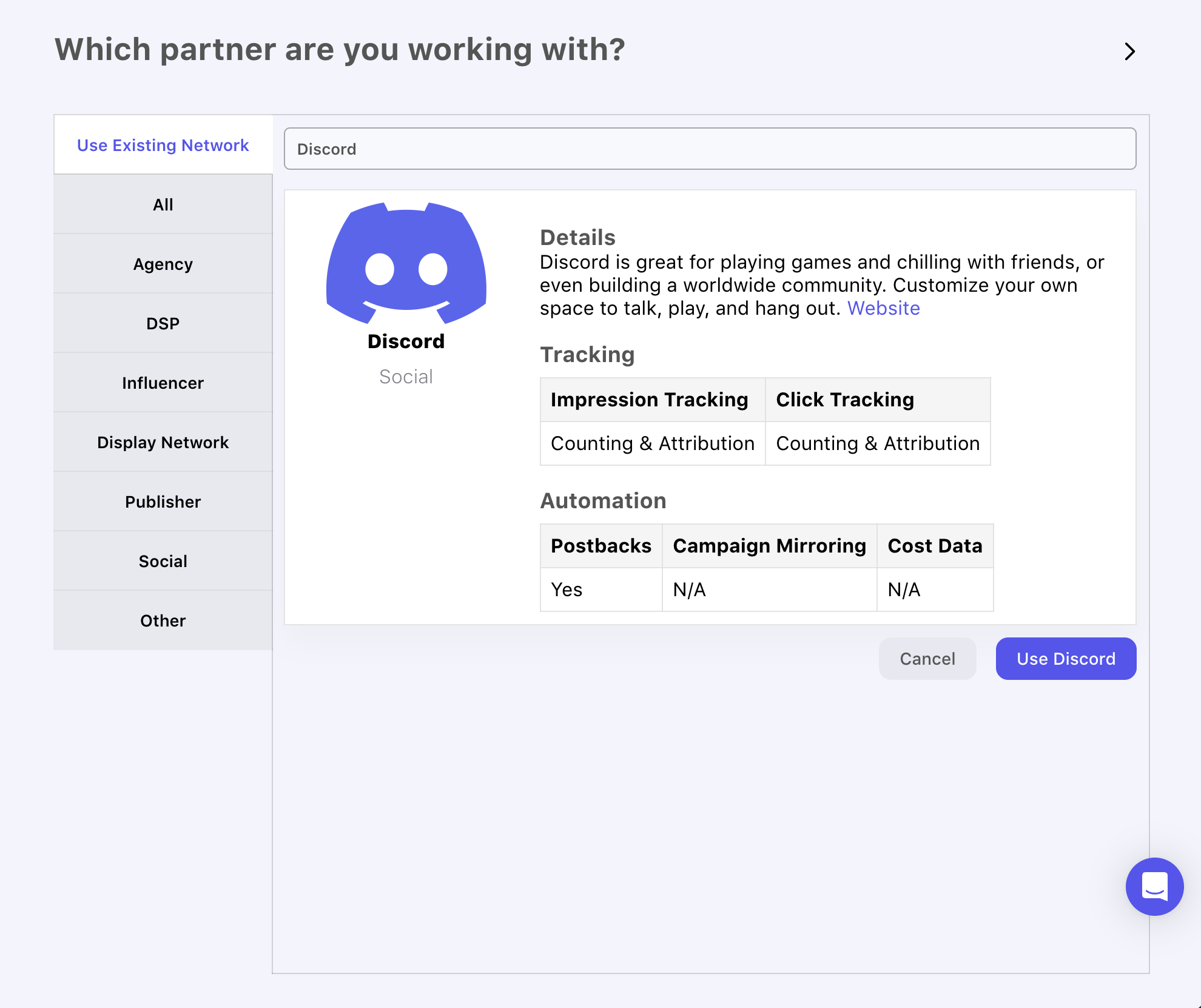
Search for "Discord" in the search field or click the appropriate category (Social).
-
Click on the Discord option and then click "Use Discord".
2. Accept Discord's Attribution & Measurement Terms
Before your Discord tracker can be created, you'll be asked to review and accept Discord's Attribution & Measurement Terms.
- Review the integration details, including the supported tracking and automation capabilities.
- Click "View Discord's Attribution & Measurement Terms" to open Discord's Attribution & Measurement Terms in a new tab.
- Click Accept to agree to the terms and continue, or Decline to cancel and return to the tracker list.
Review Required Before AcceptingCarefully review Discord's Attribution & Measurement Terms before accepting. Discord's terms include additional data sharing requirements that apply to your use of the integration. Declining will return you to the tracker list and the integration will not be created.
3. Share Your Referral Key & Touchpoints URL with Discord
Discord uses a server-to-server (S2S) measurement methodology, so you will not use click or impression tracking URLs as you would with most other networks. Instead, Discord configures campaigns on their side using a Referral Key and Touchpoints URL that you provide.
Discord Uses Server-to-Server MeasurementDiscord does not use click or impression tracking URLs. Instead, you'll provide your Referral Key and Touchpoints URL to your Discord rep, who will configure them on Discord's side for each campaign.
To share your details with Discord:
-
Open your Discord tracker in Gamesight.
-
Copy the Referral Key.
-
Copy the Touchpoints URL.
-
Provide both the Referral Key and Touchpoints URL to your Discord rep so they can configure your campaigns on Discord's side.
Postback Configuration
Postbacks for Discord are configured automatically when your tracker is created. You can review them on the Postbacks tab of your Discord tracker.
Postbacks Are Managed by DiscordPostbacks for Discord are configured automatically and cannot be edited in Gamesight. To request any changes to your postback configuration (events sent, goal triggers, etc.), reach out to your Discord rep.
Cost Aggregation
Discord does not support automated Cost Aggregation, however you can still sync Discord ad spend into Gamesight by taking advantage of Manual Cost Uploads.
Updated 6 months ago